
YOUR EVERYDAY FILE TOOLKIT
Every file task.
One simple place.
Free tools to edit, convert, and organize your files, right in your browser.
Free to use
Local file processing
No account needed
What are you working with?
Choose a file type to get startedTHE TOOL DIRECTORY
Find your next tool.
Popular tools
12 popular toolsA LITTLE GUIDANCE
Not sure where to start?
A photo must fit both pixels and KB
Read the upload form's required dimensions, format and file-size limit first. Resize the image to the correct dimensions, then reduce its KB size if needed. Small size targets can reduce dimensions again, so check the downloaded result against both limits.
Several documents need to become one PDF
Use Merge PDF for existing PDFs. For photos or scans, use JPG to PDF instead. Add files in the required order and review every output page. Converting a photo into a PDF does not recognize its text.
A PDF exceeds a file-size limit
Start with Compress PDF and choose clean re-save if searchable text matters. Strong image compression can make scans smaller, but can remove selectable text and form fields. Keep the original and inspect small print, signatures and codes after downloading.
Check the result before submitting
FileHoney prepares files; it cannot guarantee that a receiving website will accept them. Confirm the actual file size, dimensions, page order and readability. For passport or application photos, follow the receiving authority's current instructions rather than relying on a preset.
New to the tools? Download a two-page practice PDF or a sample image. The linked tool pages explain settings, examples and limitations. For help with an unexpected result, contact support without sending a private document.
BUILT AROUND YOUR PRIVACY
Your files. In your hands.
Supported file operations run in your browser. Keep your originals and download your results. Some tools load external libraries; analytics and advertising receive ordinary website data.
Read our privacy policyReduce Image Size in KB Online
Compress image to a target KB
File input
Choose image files
Accepts JPG, PNG, WebP, GIF, BMP, TIFF, HEIC and SVG where supported.
0
files loaded
0
results ready
Preview
1 / 1
100%
Select a file to preview it.
Output
Finished files and reports appear here.
Free online tool
About Reduce Image Size in KB Online
Reduce an image toward a file-size limit for an upload form or email. Set Target KB, Max width and the output Format. The tool can reduce both image quality and dimensions, so check the downloaded image against the receiving site's size and pixel requirements.
- Choose an image you own. For a first attempt, use a JPG or PNG that opens correctly in your browser.
- Enter Target KB and Max width, then choose an output Format. JPG suits photos; PNG is useful when transparency matters.
- Select Reduce Image Size in KB. Download the result from Output, check its file size and dimensions, and zoom in to inspect small text or facial details.
Practical guide
KB and pixels are different limits
A 600 by 600 pixel image can have many different file sizes. If a form specifies both dimensions and a maximum KB size, resize to the required dimensions first, then compress and check that compression has not reduced them further. Here, a target of 100 KB means 102,400 bytes.
Choosing a format
JPG usually works well for photos but cannot retain transparency. PNG retains transparency and sharp graphic edges, but very small file sizes can be difficult to reach. WebP can be smaller, but the receiving form must accept it.
When a target is too small
Detailed photos cannot always fit a tiny byte limit while staying readable. This tool may reduce dimensions while trying to reach the target. Inspect the actual result rather than assuming the target guarantees acceptance. Repeatedly compressing a previous result can add visible damage; start again from the original.
Practice without personal documents
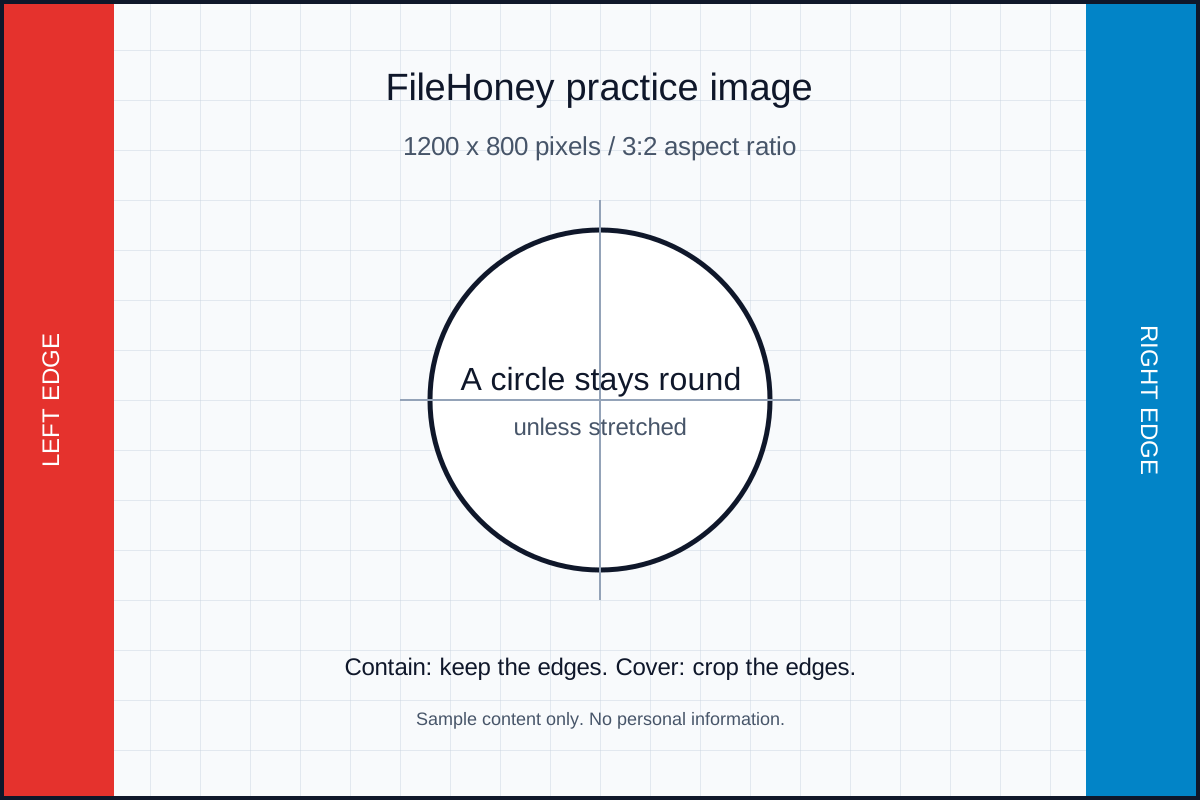
Use the downloadable 1200 by 800 pixel sample graphic below. Try Target KB 100, Max width 800 and JPG format. Compare the downloaded size and the clarity of its fine lines. Photo compression results will differ from this simple graphic.
Download practice files
These files contain sample content, so you can try the steps without selecting a personal document. Save a sample, then choose it using the file button above.
Something did not work? Report a problem with the tool name, browser and settings. Please avoid sending private files.
Supported formats
Files you can use
- Input
- Browser-readable images, including JPG, PNG, WebP and SVG.
- Output
- A compressed image in the selected JPG, PNG or WebP format.
HEIC and TIFF support depends on the browser. Convert unsupported originals to JPG or PNG first.
Privacy
How Reduce Image Size in KB handles your data
Files selected for Reduce Image Size in KB are processed in your browser session. This tool does not intentionally upload your selected file bytes to FileHoney servers. Some tools download browser libraries from content delivery networks when needed.
Analytics and advertising scripts can receive ordinary website request and device data. See the Privacy Policy for details.
FAQ
Reduce Image Size in KB questions
Does Target KB guarantee an exact size?
No. It is a target for the compression process. Inspect the downloaded byte size and pixel dimensions before uploading it.
Why did my picture become smaller in pixels?
Max width limits the initial dimensions, and very small targets can trigger further resizing. Use a larger target if the result falls below your required dimensions.
Will a transparent logo stay transparent?
Choose PNG or a supported transparency-preserving format. JPG has no transparency, so transparent regions are flattened onto a background.
Are my files uploaded for processing?
Files selected for Reduce Image Size in KB are processed in your browser session. This tool does not intentionally upload your selected file bytes to FileHoney servers. Some tools download browser libraries from content delivery networks when needed.
Related tools
More FileHoney tools
Share