
About FileHoney
FileHoney is a free collection of browser-based tools for everyday file tasks. Its focus is helping you prepare photos and documents: resize an image for an upload form, reduce file sizes, combine PDFs or turn pictures into a document.
How the tools work
Supported file operations run on your device using JavaScript and browser libraries. You choose a file, adjust the settings, run the operation and download the result. There is no account requirement. Some processing libraries and OCR language files are downloaded from external content delivery networks when needed.
Local processing depends on your device's memory and browser support. A large scan or video may be slower than a small image. Some formats will not open on every browser. Tool pages list inputs, outputs and limitations so you can check whether a workflow fits your file.
Start with a specific task
- Resize an image when an upload requires exact pixel dimensions.
- Reduce image size in KB when the receiving website has a byte limit.
- Turn images into a PDF or combine existing PDFs.
- Compress a PDF while choosing the appropriate tradeoff between size and document features.
What to expect from results
Keep original files and inspect downloaded results. Compression may reduce image detail, conversion can change layout, and OCR can misread characters. Photo presets are starting settings, not a guarantee of acceptance by an application or passport authority. Check the receiving organisation's current requirements yourself.
Some advanced video pages provide implementation notes for software you run separately. Those pages are labelled as workflow references; exporting notes does not process a video.
Practice files and explanations
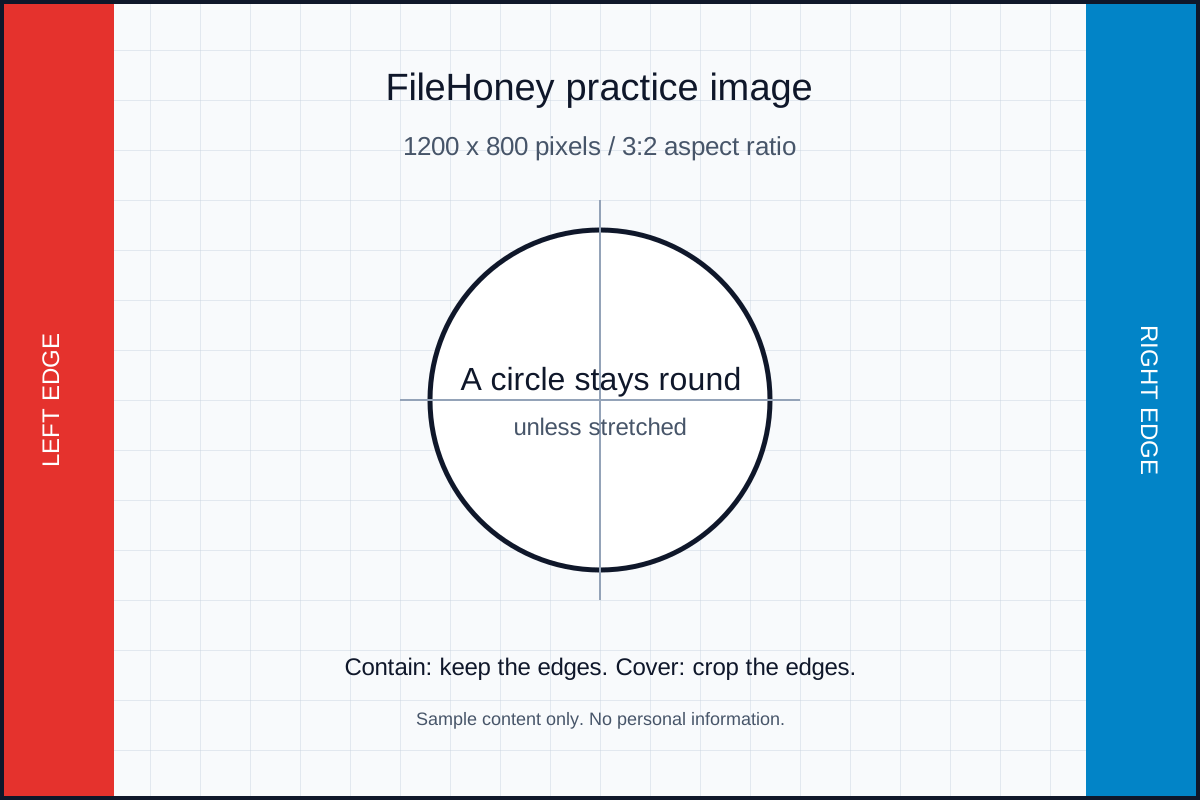
Core tool pages include practical guides and sample files. Use the two-page sample PDF or sample image to explore a workflow without selecting a personal document. Examples describe expected behaviour; they do not promise a fixed compression percentage or processing time.
Maintenance and support
Website support and problem reports are handled through [email protected]. If a tool produces an unexpected result, include its name, your browser, the settings used and what you expected. A reproducible example with non-sensitive content is more useful than a private document.
See the Contact page for reporting details, the Privacy Policy for analytics and advertising information, and the Terms for conditions of use.